I have just put together pidog v2. I have very little experience of electronics, but am fairly familiar with Python.
Can I get a bit of advice. When I did the calibration, two of the servos where apparently not set properly. One was a leg, that was easy to remove and adjust to bring it into the range of the calibration settings.
The other is the head leaning to one side. Is there any way of correcting this without taking it all apart?
If the head servo does not return to zero correctly, and you assemble and secure it,
we still recommend that you remove the servo, readjust it to return to zero, and then reassemble and secure it.
Is the return to zero accomplished by the zero button on the pi hat? Am I right if I disassemble hit the zero button and then reconnect the server with the head straight. Or should I adjust it manually by moving the head so it sits straight?
To resolve the servo alignment issue, we recommend removing the head servos and reassembling them by following the step-by-step zeroing procedure below:
Power on the Robot HAT.
Briefly press the ZERO button twice.
Connect the servo cable to the PWM pin. The servo will now move to and hold its zero position.
Important: With the servo still connected and powered, assemble and secure it to the structure according to the manual.
Only after the servo is firmly in place should you disconnect its cable.
Repeat steps 3 to 5 for the remaining servos.
These steps are also outlined in the paper assembly manual included with your kit.
If you continue to experience issues, please feel free to contact us.
Servo now sorted, but I now have an issue with trying to set up the control app.
I get a similar issue if I try to look at the camera. 7_facetrack.py also says list index out of range.
picamera2 0.3.31
Traceback (most recent call last):
File “/home/craigos/pidog/examples/12_app_control.py”, line 5, in
from vilib import Vilib
File “/usr/local/lib/python3.11/dist-packages/vilib/init.py”, line 2, in
from .vilib import Vilib
File “/usr/local/lib/python3.11/dist-packages/vilib/vilib.py”, line 182, in
class Vilib(object):
File “/usr/local/lib/python3.11/dist-packages/vilib/vilib.py”, line 184, in Vilib
picam2 = Picamera2()
^^^^^^^^^^^
File “/usr/lib/python3/dist-packages/picamera2/picamera2.py”, line 341, in init
camera_num = self.global_camera_info()[camera_num][‘Num’]
~~~~~~~~~~~~~~~~~~~~~~~~~^^^^^^^^^^^^
IndexError: list index out of range
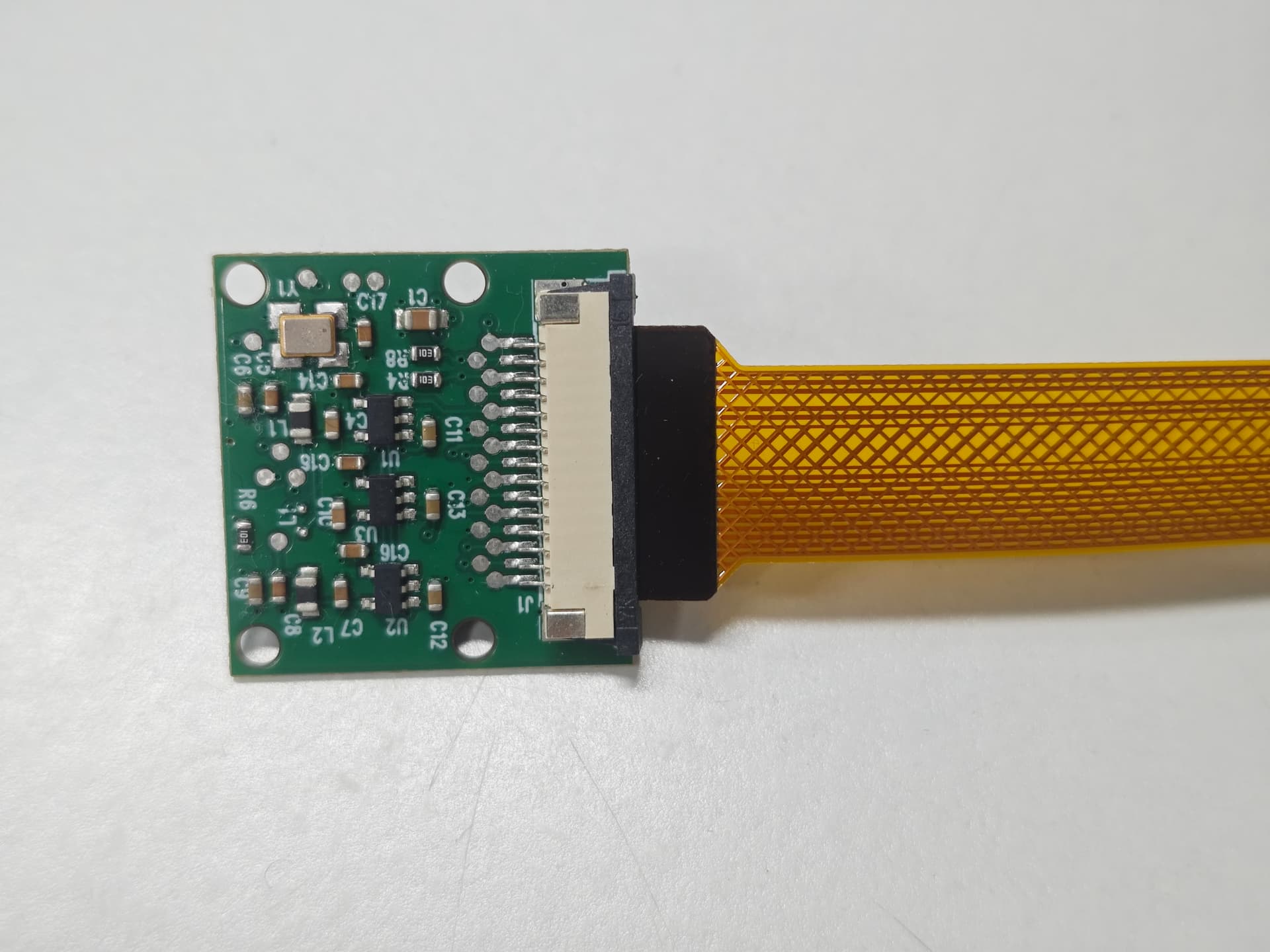
From the logs you provided, it seems likely that the camera is not connected properly, which is causing it to be unrecognized.
I recommend checking the camera connections against the images we provided to ensure they are correct.
After confirming the connections are correct, please run the rpicam-hello test to see if the camera is recognized properly.